Set a default no-show fee once, as a fixed amount or a percentage of the booking. When you mark a booking as a no-show, the fee is already filled in. You can change it or skip it each time. If the customer has a card on file, it's charged straight away. If not, the fee is saved as an unpaid invoice for you to collect later.
The same fee applies to grooming bookings, daycare visits and boarding stays.
Step 1: Set your default no-show fee
Go to Settings and select Organization under Business.
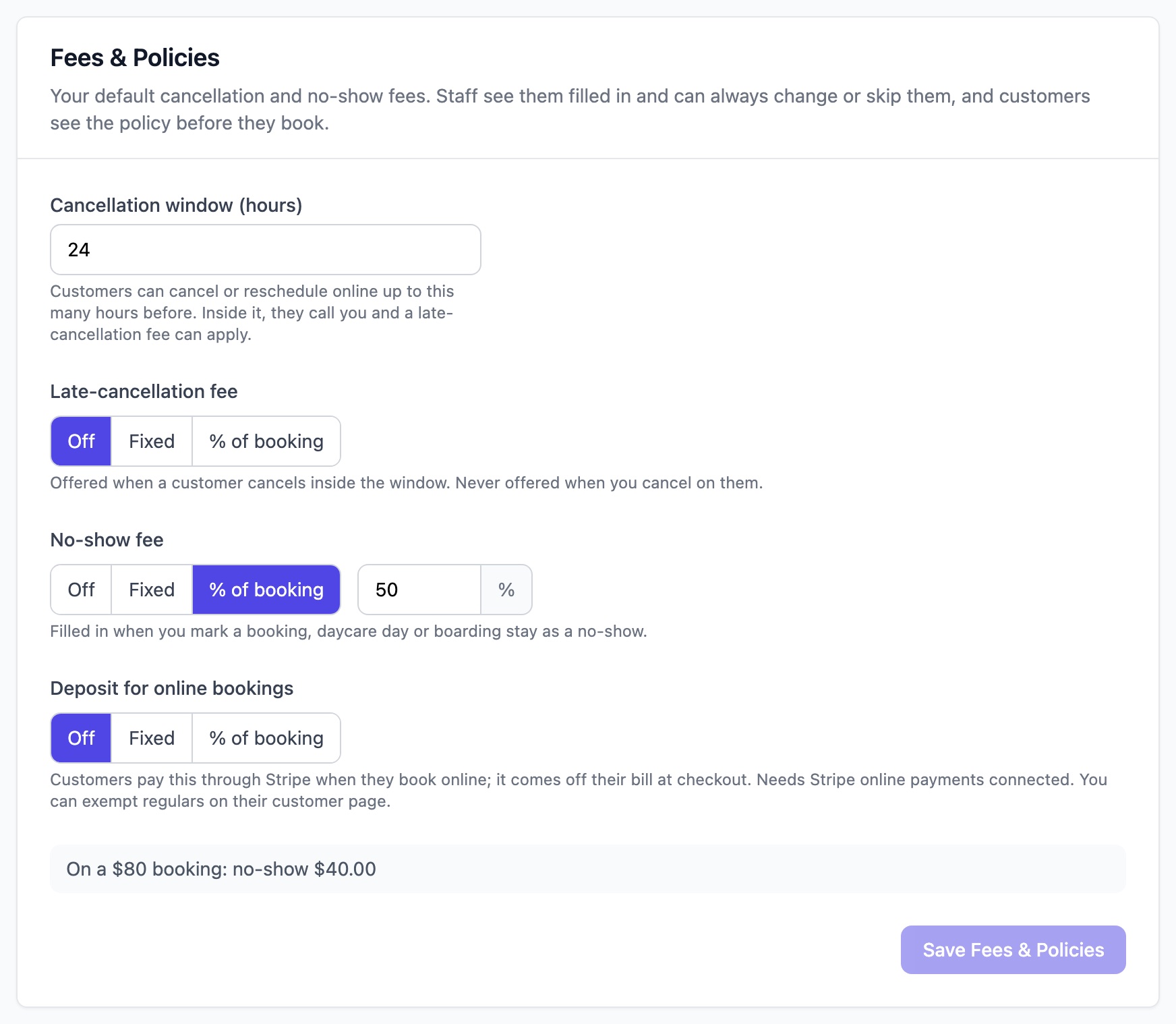
Scroll to the Fees & Policies card.
Under No-show fee, choose one of the following:
- Off: no fee is suggested.
- Fixed: the same amount for every booking. Enter the amount.
- % of booking: a share of the booking total. Enter the percentage. A 50% fee on an $80 groom is $40.
Check the example under the fees. It shows what your fee works out to on an $80 booking.
Click Save Fees & Policies.
Note: A percentage is worked out from the booking total after any discounts and before tax.
Customers see your no-show fee on your online booking page before they confirm a booking.
Step 2: Mark a booking as a no-show
Open the booking.
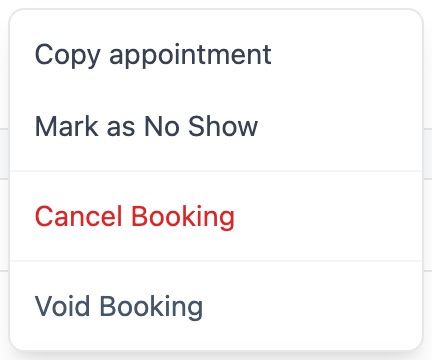
Click the ⋮ menu next to the booking's buttons, then select Mark as No Show.
Under Charge a no-show fee?, Yes is selected and your default fee is filled in.
- To charge a different amount, change the Fee amount.
- To let the customer off, select No.
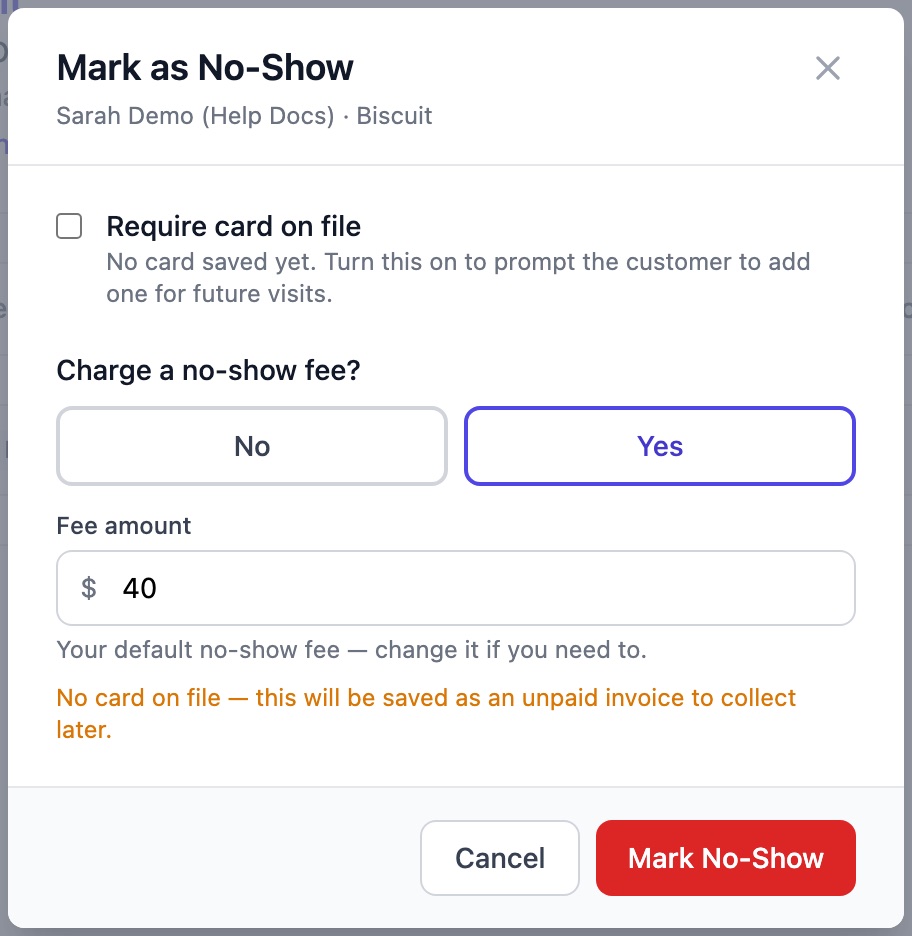
Click Mark No-Show. If the customer has a card on file, the button reads Mark No-Show & Charge.
What happens to the fee
- The customer has a card on file: the card is charged and the invoice is marked paid.
- No card on file: an unpaid invoice with a No-show fee line is created. You can take payment from it later, for example at their next visit.
- They paid a deposit when they booked online: the deposit goes toward the fee.
Tip: If a customer doesn't have a card saved, tick Require card on file in the same window. They'll be asked to add a card the next time they book online.
Daycare and boarding
Open the daycare visit or boarding stay and use the ⋮ menu to select Mark as No Show. The same window opens with your default fee filled in. A boarding stay can only be marked as a no-show before the pet has been checked in.
Note: If you haven't set a no-show fee, boarding stays suggest the full price of the stay instead.